

iCommish LabsGear RoomMain lab
A hooded iCommish Labs operator at the affiliate command desk, surrounded by ocean windows, illuminated server racks and product screens

02 / The Gear Room

Build with
intention.

Find your next piece

Compute. Connect. Create.
Gear for the systems you're building.

11 hardware picks09 partner profiles Explore the room

AFFILIATE TOOLS / THE GEAR ROOM

Tools for the way you build.

Explore AI workflows, network hardware and business software. Start with your purpose, then check the details that matter to your setup.

These are affiliate links. I may earn a commission if you make a purchase through them. Read the disclosure

Explore our affiliate lineup

  • FirstPromoter
  • Shortcut Chat
  • EasyClaw
  • GL.iNet
  • StoreClaw
  • Rewarx Studio AI
  • Appy Pie
  • TeraBox
  • FocuSee
The equipmentStart with the workload

Find the fit
for your build.

A place to explore compact compute, the network edge, storage and the operator desk. Open a buying note for the checks that matter before you choose.

20 picks in the room

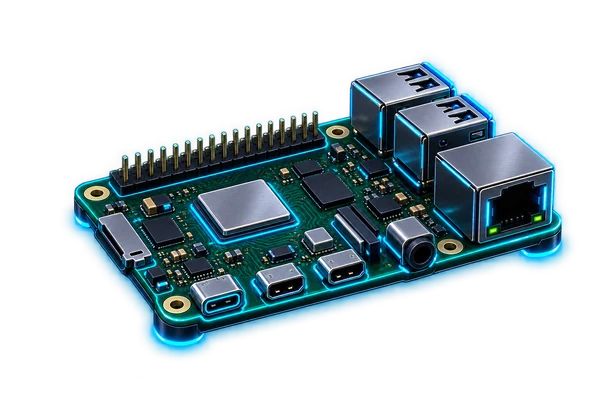
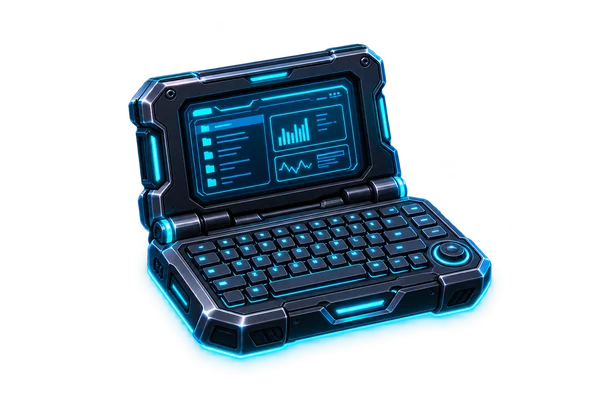
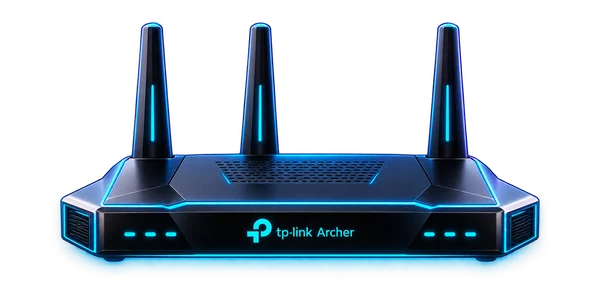
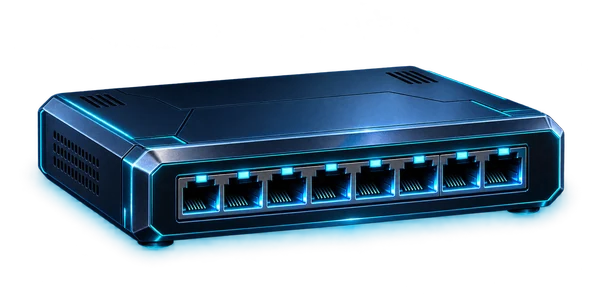
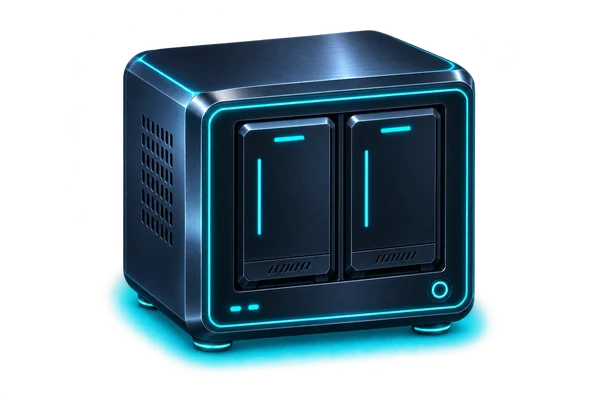
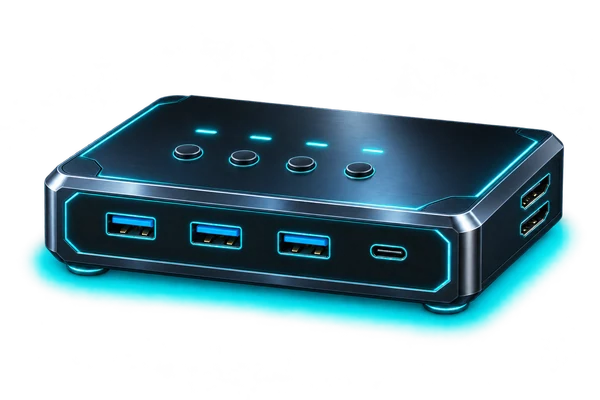
Product-type diagrams. See the retailer for exact appearance.

Hardware

The physical stack

The connected collection

Your setup, connected.

Explore the hardware by role. Choose what you need, then check the exact host and connections.

Swipe the diagram, or choose List view.

Network

Connect the devices.

Compute options

Choose for your workload.

Workspace & components

Display, KVM and host components.

Host-dependent components
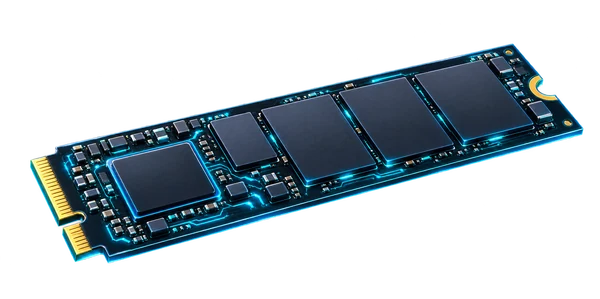
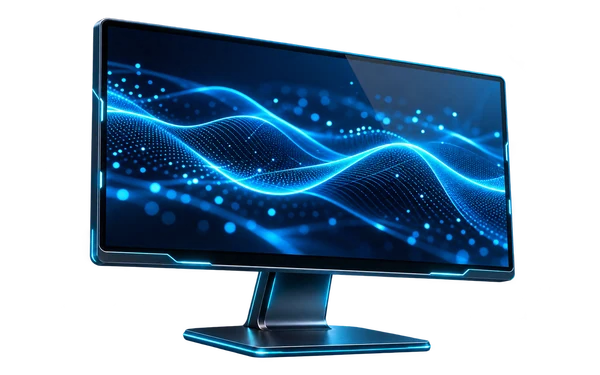
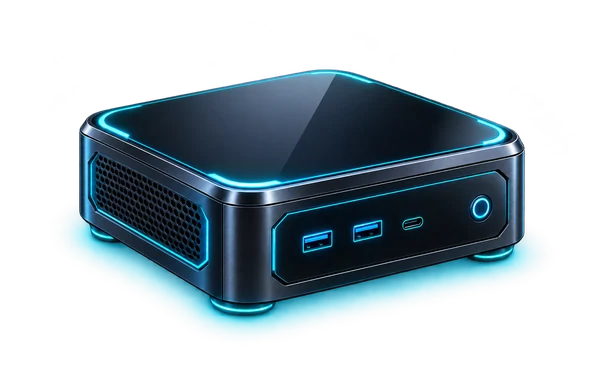
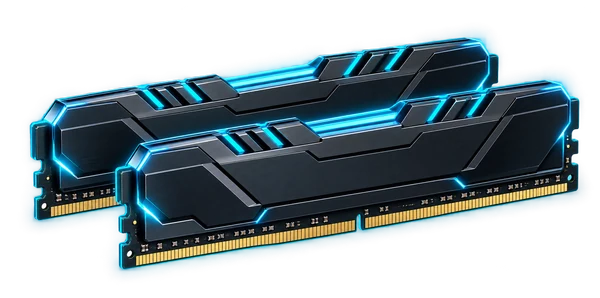
TP-Link BE6500Wi-Fi 7 routerNETGEAR MS3088-port · unmanagedM5Stack CardputerEmbedded · 2.4 GHz Wi-FiRaspberry Pi 5Arm learning / utilityBeelink SER5 PRORyzen 5 mini PCDell Wyse 5070J5005 · renewedSamsung Odyssey G534-inch ultrawideSamsung 9100 PRONVMe M.2 SSDCORSAIR DDR5 / 32GBDesktop memoryUGREEN DXP28002-bay NAS · 2.5GbEUGREEN HDMI KVM4 hosts → 1 display
Compatible desktop hostMatch M.2 slots and DDR5 support.Host and motherboard chosen separately.

AI, networking & business tools

Existing software guides ↗
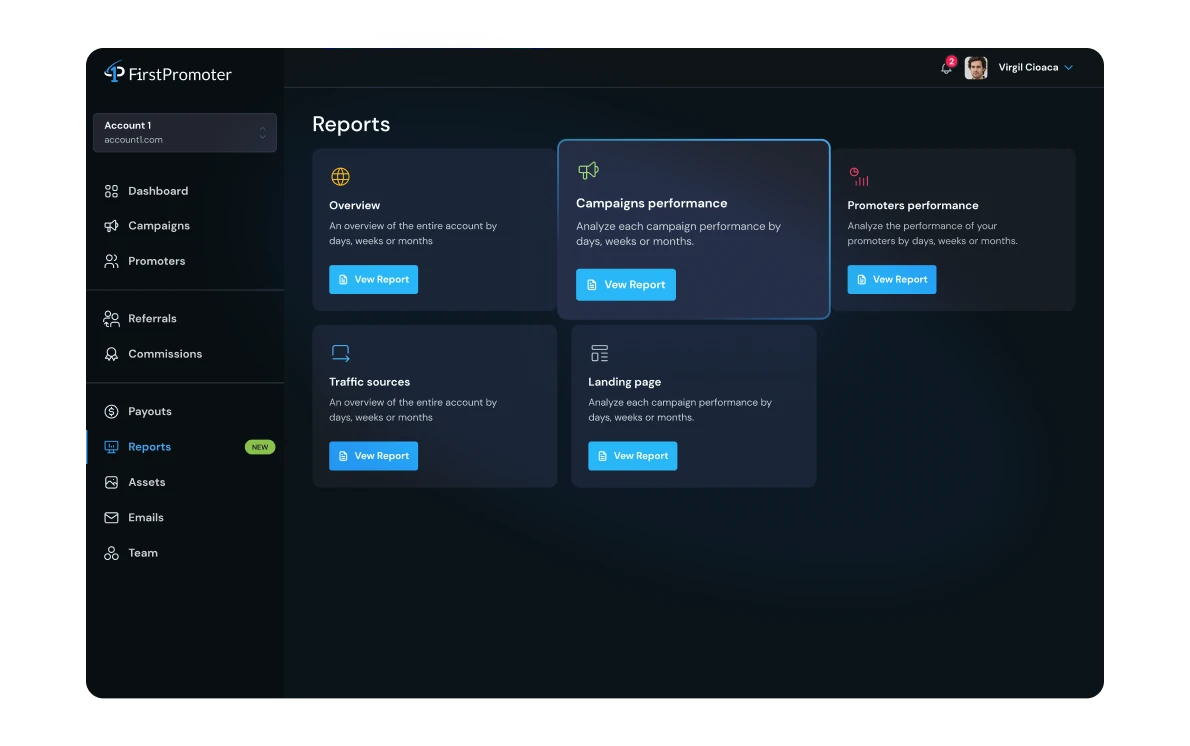
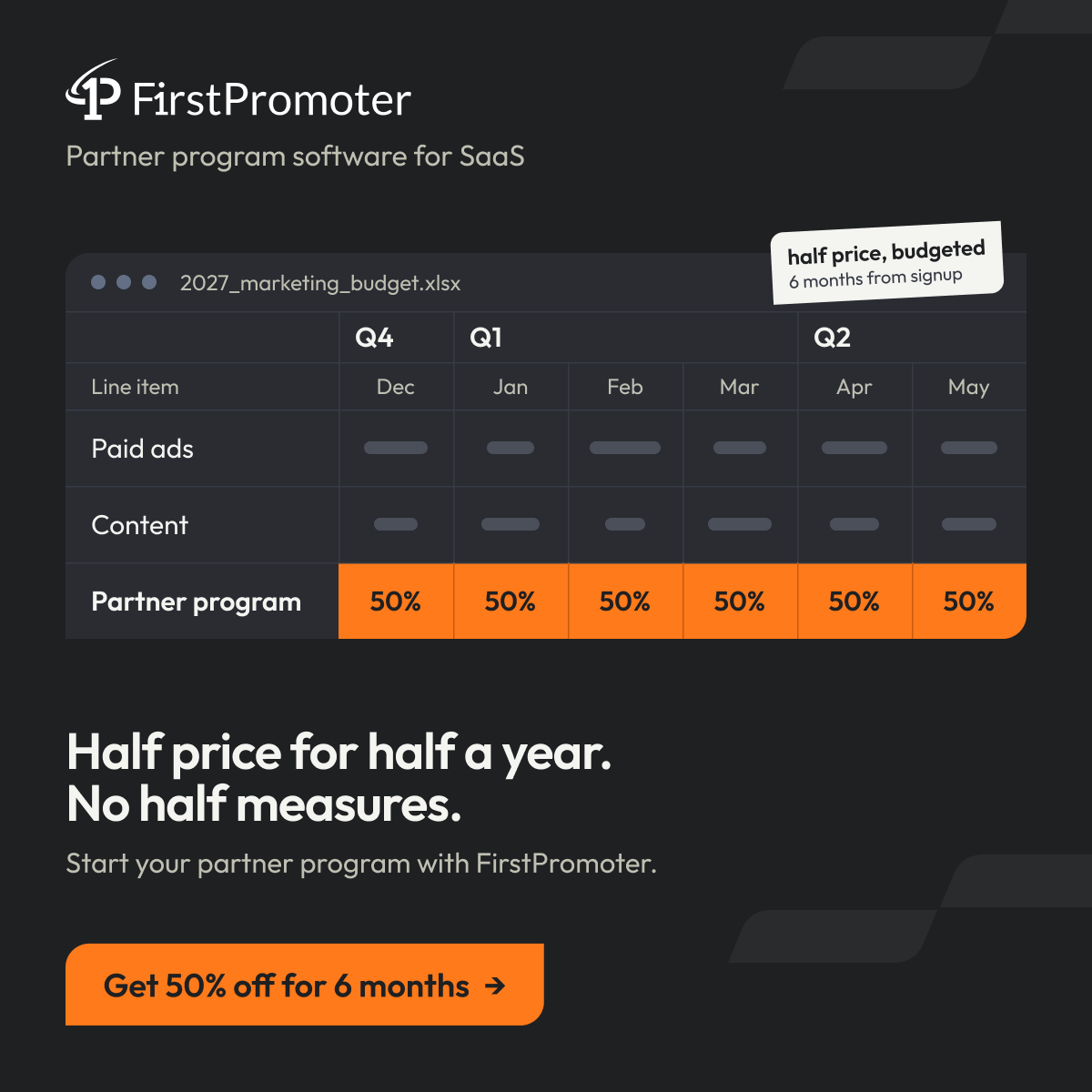
FirstPromoter Reports screen with campaign and promoter reporting options

For SaaS & subscription builders

FirstPromoter

Manage your affiliate program, track referrals and organize subscription commissions.

Visit FirstPromoter
Capabilities & buying notes
  • Referral tracking
  • Subscription commissions
  • Partner dashboards

Evaluate the current billing integrations, plans and program controls for your business. This is an affiliate placement, not an iCommish product review.

Next step: visit the current product page and check plans, compatibility and terms for your task.

Vendor visual; illustrative content, not iCommish Labs results.

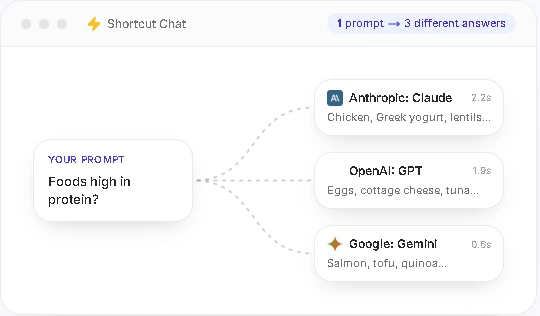
Shortcut Chat vendor demo showing one prompt branching into three model responses

For research & everyday prompts

Shortcut Chat

Compare answers to the same prompt side by side, and reuse snippets for recurring tasks.

Visit Shortcut Chat View details →
Capabilities & buying notes
  • Side-by-side model responses
  • Reusable prompt snippets
  • Image comparison workflows

Model availability and usage limits can change. Check privacy terms before sharing private prompts or files; verify model output.

Next step: visit the current product page and check plans, compatibility and terms for your task.

Vendor visual; illustrative content, not iCommish Labs results.

Official EasyClaw lobster illustration and wordmark on a dark background

For desktop automation

EasyClaw

Explore AI agents for desktop, browser and messaging workflows.

Visit EasyClaw View details →
Capabilities & buying notes
  • Mac and Windows desktop application
  • System and browser interaction
  • Messaging-connected workflows

Review permissions, remote model processing and approval controls before giving an agent access to files or accounts. No security or reliability test is claimed.

Next step: visit the current product page and check plans, compatibility and terms for your task.

Vendor visual; illustrative content, not iCommish Labs results.

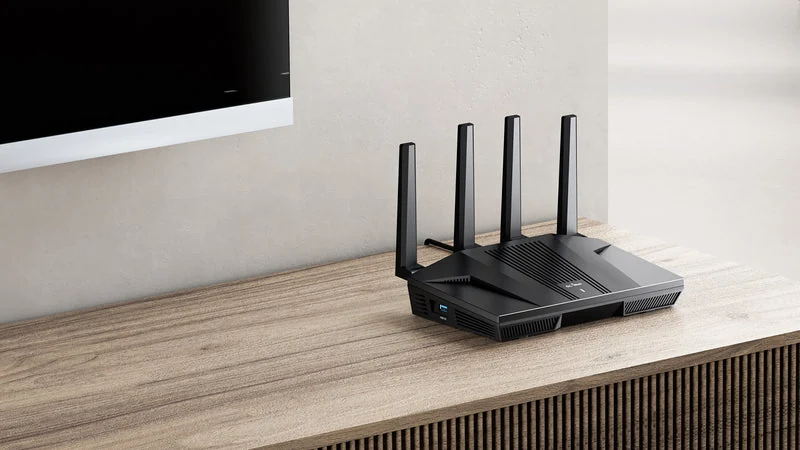
GL.iNet official product photo of the Flint 2 GL-MT6000 router on a cabinet

For networking & home-lab builders

GL.iNet

Explore routers, gateways and networking accessories for your next network project.

Visit GL.iNet
Capabilities & buying notes
  • Home and travel router ranges
  • Cellular networking options
  • Model-specific networking accessories

Match the exact model, ports, firmware and regional availability to your network. The photo shows Flint 2 (GL-MT6000); it is not a claim of lab use or tested compatibility.

Next step: visit the current product page and check plans, compatibility and terms for your task.

Vendor visual; illustrative content, not iCommish Labs results.

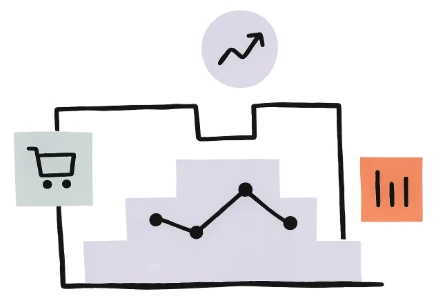
StoreClaw workbench illustration with a shopping cart, rising line and bar chart

For Amazon sellers

StoreClaw

Explore an AI workbench for seller research, listing drafts and store operations.

Visit StoreClaw View details →
Capabilities & buying notes
  • Product and competitor research
  • Listing and content workflows
  • Store operations and analytics workflows

Check connector support and data access for your marketplace. Review generated content before publication. iCommish Labs does not claim to operate or test an Amazon store.

Next step: visit the current product page and check plans, compatibility and terms for your task.

Vendor visual; illustrative content, not iCommish Labs results.

Owner-supplied Rewarx Studio homepage visual: turn one product photo into ecommerce content

For creators & online shops

Rewarx Studio AI

Explore product photography, mockups and listing-image variations from an existing product image.

Visit Rewarx Studio AI View details →
Capabilities & buying notes
  • Product photography workflows
  • Product mockup generation
  • Batch image variations

Check input rights, commercial-use terms and product fidelity. Vendor examples are illustrative, not proof of the appearance of a real item or iCommish results.

Next step: visit the current product page and check plans, compatibility and terms for your task.

Vendor visual; illustrative content, not iCommish Labs results.

For app builders & website owners

Appy Pie

Start a new app with an AI app builder, or explore turning a website you already run into an app.

These are affiliate links. I may earn a commission if you make a purchase through them. Read the disclosure

Explore Appy Pie View details →
Capabilities & buying notes
  • Start a new app with an AI app builder
  • Explore turning an existing website into an app

Check the current plan, supported features, publishing requirements and platform terms for your workflow. No hands-on test or guaranteed app-store approval is claimed.

Next step: visit the current product page and check plans, compatibility and terms for your task.

Partner link blocked? Official site (untracked) ↗

For digital-file storage

TeraBox

Explore the TeraBox AI workspace or cloud storage for your digital files. Check the current plan for capacity and transfer limits.

These are affiliate links. I may earn a commission if you make a purchase through them. Read the disclosure

Explore TeraBox AI workspace View details →
Capabilities & buying notes
  • TeraBox AI workspace
  • Cloud storage for digital files
  • Current plan capacity and transfer limits to check

Check current capacity, transfer limits, privacy terms and file-access requirements before choosing a plan.

Next step: visit the current product page and check plans, compatibility and terms for your task.

Partner link blocked? Official site (untracked) ↗

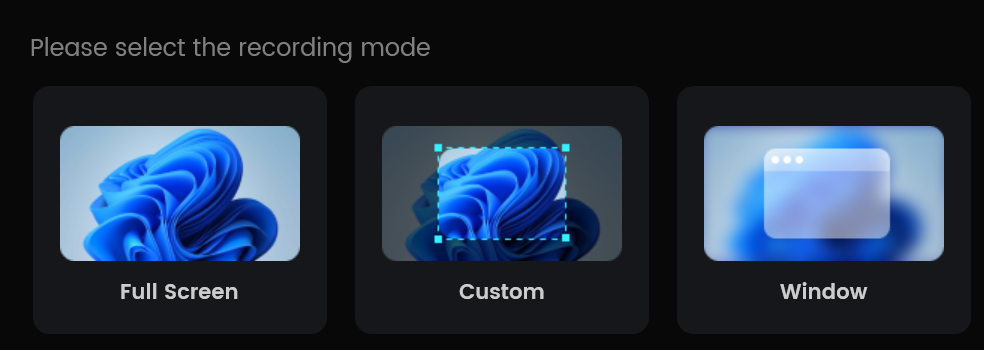
FocuSee official recording interface with full-screen, custom-area and window capture modes

For screen tutorials & product demos

FocuSee

Record your screen, webcam and audio, then shape the recording with automatic zoom and cursor effects.

These are affiliate links. I may earn a commission if you make a purchase through them. Read the disclosure

Explore FocuSee View details →
Capabilities & buying notes
  • Full-screen, window or selected-area recording
  • Optional webcam and audio capture
  • Automatic zoom and cursor effects

Check current operating-system support, plan features and export limits. Grant only the recording permissions you need, and review captures for private information before sharing. No hands-on test is claimed.

Next step: visit the current product page and check plans, compatibility and terms for your task.

Vendor visual; illustrative content, not iCommish Labs results.

Partner link blocked? Official site (untracked) ↗

AFFILIATE INFRASTRUCTURE

See how your tools connect.

Select an object to trace its role in a possible workflow. On a small screen, swipe across the board.

Open the full-size map

Example workflows require your review and setup. Lines show possible relationships, including manual handoffs; they do not claim tested integrations.

First home lab / Field guide 01

Build your first home lab.

Trace the network. Choose one compute host. Explore seven hardware guides and the checks that come before buying.

Open the build checklist
A better starting pointBefore you order

Fit comes first

Know what
you're building.

Explore the review room
  1. 01

    Define the workload.

    Always-on services, a network upgrade or a creator desk? Pick the job before picking the hardware.

  2. 02

    Check the whole system.

    Ports, memory support, power, cooling and physical space all shape a useful upgrade.

  3. 03

    Confirm the listing.

    Model names can cover different configurations. Verify the exact item, seller, warranty and current price.

These entries are workload-fit research notes. Specifications, availability and platform terms should be confirmed at the linked destination.

The rest of the facility

There's more
beneath the surface.

Return to iCommish Labs