
AI & Automation · Affiliate partner
FocuSee
Record your screen, webcam and audio, then shape the recording with automatic zoom and cursor effects.
A possible workflow
Turn a desktop task into a walkthrough.
- Choose the task and screen area you want to explain.
- Record on a supported workstation, with camera or audio only when needed.
- Review the zoom, cursor effects and recording for private information.
- Export and manually upload the finished video to a website, app or file destination you control.
These are example manual handoffs, not tested integrations with the other partners.
See FocuSee in the infrastructure map →Where it fits
For screen tutorials & product demos
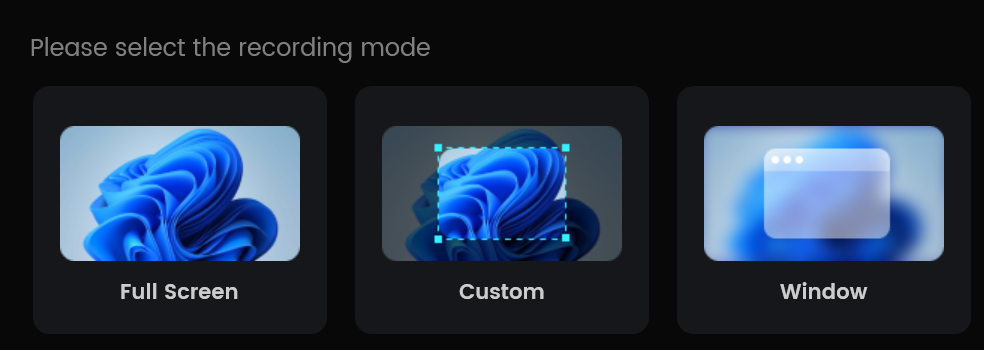
- Full-screen, window or selected-area recording
- Optional webcam and audio capture
- Automatic zoom and cursor effects
Before you choose
Check the current terms.
Check current operating-system support, plan features and export limits. Grant only the recording permissions you need, and review captures for private information before sharing. No hands-on test is claimed.
Paid affiliate links
Explore FocuSee.
These are affiliate links. I may earn a commission if you make a purchase through them. Read the disclosure
Explore FocuSee
Explore FocuSee screen recording and editing workflows.
Explore FocuSeeView FocuSee plans
Check current FocuSee plans, features and export limits.
View FocuSee plansPartner link blocked? Official site (untracked) ↗
Paid links via Impact · Open in a new tab. Confirm current features and terms at the destination before signing up.
Product documentation
Product information checked November 22, 2026. No installation or hands-on test was performed.